What is Global Search?
Global Search helps you quickly find expiration items, contacts, locations, vehicles, equipment, files, reports, and more — all from one central place. This eliminates the need to navigate through multiple areas of the platform.
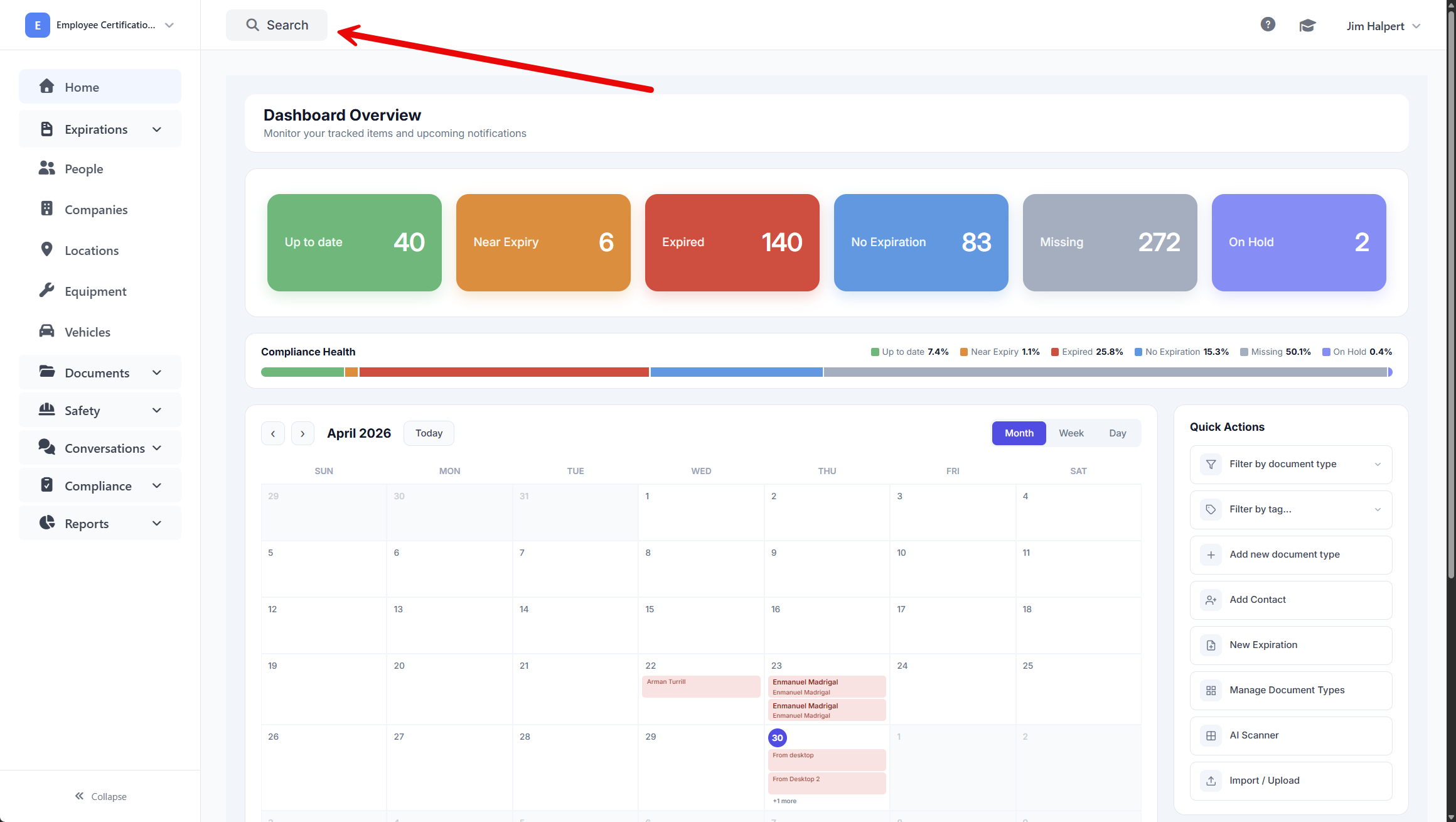
You’ll find the Global Search tool by clicking the magnifying glass icon in the top-right corner of your screen. Clicking the icon opens the Global Search bar, where you can type your search term and apply filters.
Benefits of Global Search
With Global Search, you’ll save time, avoid multiple clicks, and retrieve information across your entire system faster — whether you're in one workspace or many.
How to search
To use Global Search, open the search bar and optionally filter and sort your results using the available controls:
- Type your search term into the Global Search bar.
- Sort results by Relevance or other available options to surface the most accurate match.
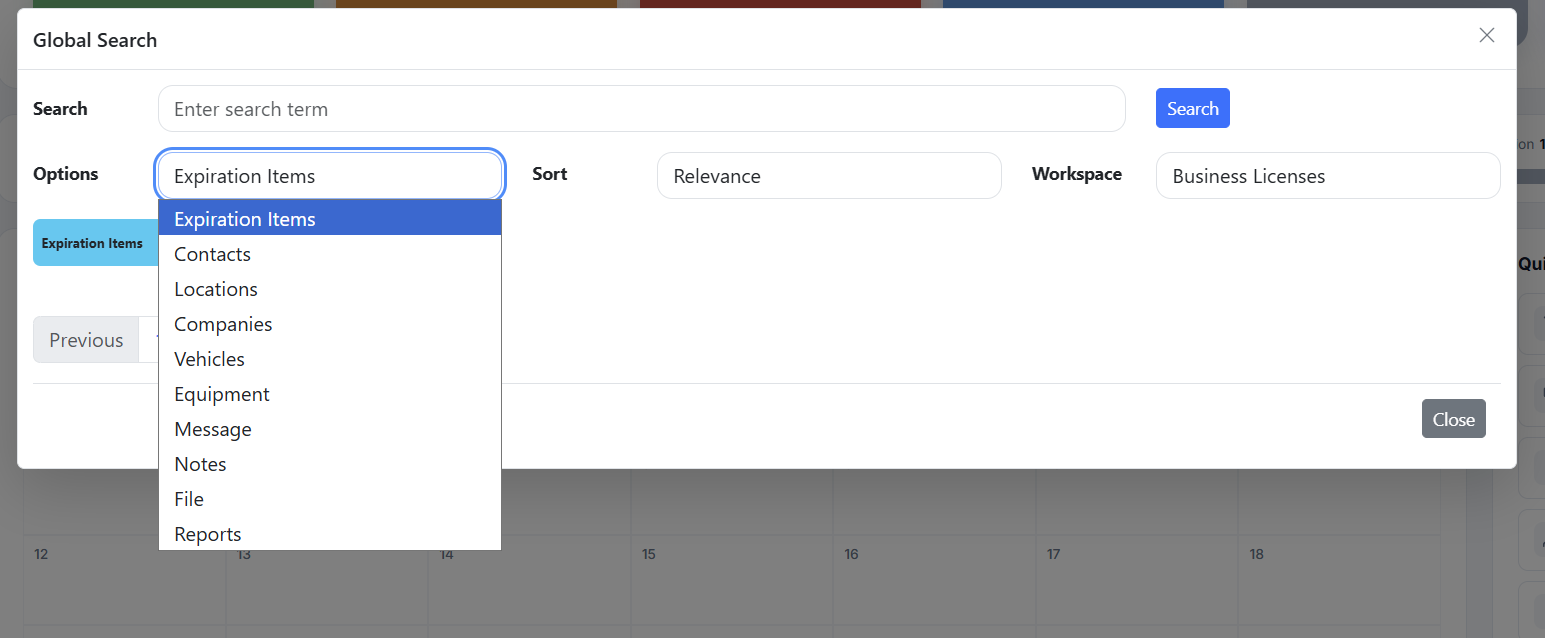
You can search across everything at once, or use the Options dropdown to filter by item type — like expiration items, contacts, or vehicles. You can select one or multiple types to refine your results.
Searching Across Workspaces
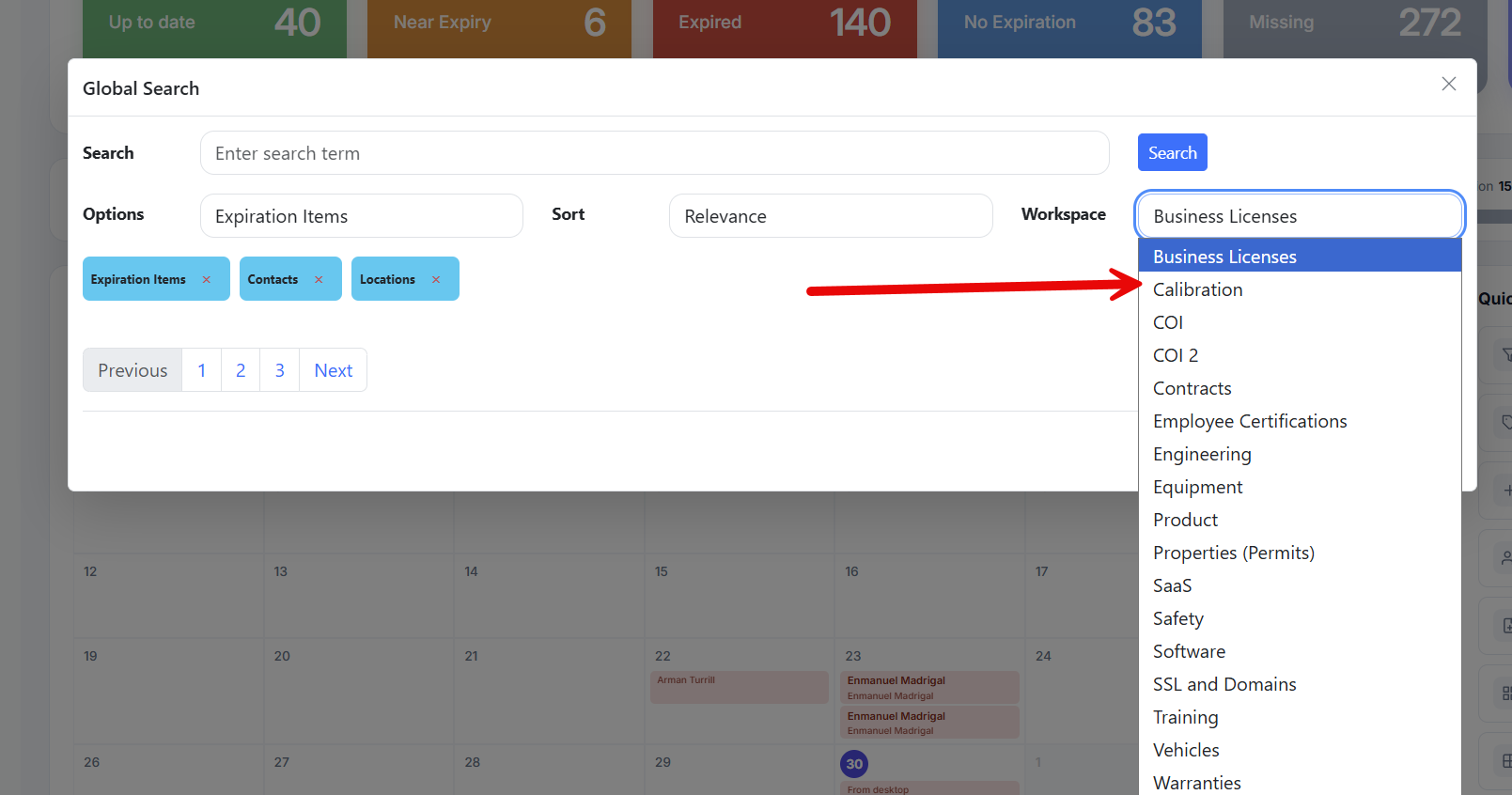
You can search across multiple workspaces without leaving the search screen.
Use the Workspace dropdown to switch between workspaces and find what you need without changing views.